

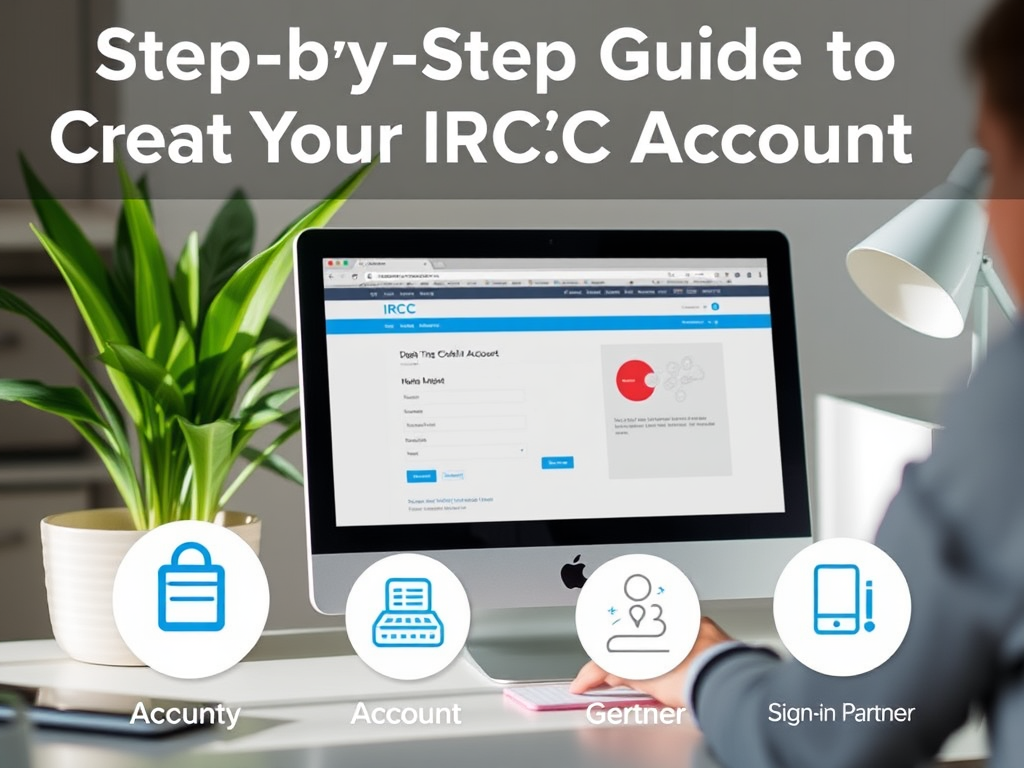
Creating your IRCC (Immigration, Refugees and Citizenship Canada) account is a straightforward process. Here’s a step-by-step guide:
Steps to Create an IRCC Account
- Visit the IRCC Website: Go to the official Immigration, Refugees and Citizenship Canada website at canada.ca.
- Access the Account Creation Page: Navigate to the “Sign in” or “Create an account” section. You may find this option under the “My Application” or “Sign in to your account” links.
- Choose the Type of Account: There are two types of accounts you can create:
- GCKey: A secure government login option that requires an email address.
- Sign-in Partner: Allows you to sign in using your online banking credentials if your bank is part of the service.
- Fill Out the Registration Form:
- If you choose GCKey, you will need to create a username and password. You’ll also have to answer some security questions for account recovery purposes.
- If you choose Sign-in Partner, follow the instructions provided by your bank’s website.
- Verify Your Email: If you created an account with GCKey, check your email for a verification link. Click on it to confirm your account.
- Log In to Your Account: Return to the IRCC login page and enter your credentials to access your account.
- Complete Your Profile: Once logged in, complete your profile by providing the necessary personal information and setting your preferences.
- Start Your Application: You can now begin your application process for immigration, citizenship, or any other services offered by IRCC.
Tips
- Ensure that all information is accurate and matches your official documents.
- Keep your login credentials secure and consider using a password manager.
For more detailed guidance or assistance, refer to the help sections on the IRCC website.

Advertisements
Leave a Reply