

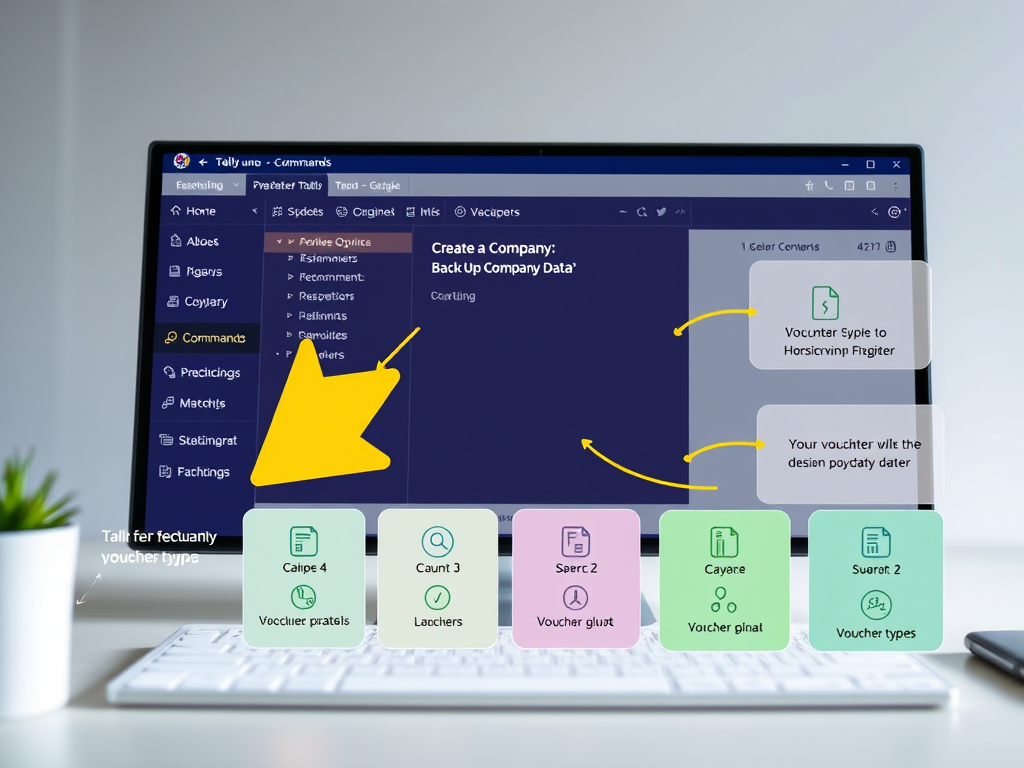
Tally accounting software uses various commands for different functions. Below are some commonly used commands in Tally:
Basic Commands
- Create a Company
- Navigate to: Gateway of Tally > Create Company.
- Select a Company
- Navigate to: Gateway of Tally > Select Company.
- Back Up Company Data
- Navigate to: Gateway of Tally > F3: Cmp Info > Backup.
- Restore Company Data
- Navigate to: Gateway of Tally > F3: Cmp Info > Restore.
- Data Export
- Navigate to: Gateway of Tally > Display > Statistical Reports > Export.
Accounting Entries
- Create Ledger
- Navigate to: Gateway of Tally > Accounts info > Ledgers > Create.
- Vouchers
- For different voucher types:
- Payment Voucher: Press
F4 - Receipt Voucher: Press
F6 - Contra Voucher: Press
F4 - Journal Voucher: Press
F7 - Sales Voucher: Press
F8 - Purchase Voucher: Press
F9
- Payment Voucher: Press
- For different voucher types:
Reports
- View Ledger
- Navigate to: Gateway of Tally > Display > Account Books > Ledger.
- Trial Balance
- Navigate to: Gateway of Tally > Display > Trial Balance.
- Balance Sheet
- Navigate to: Gateway of Tally > Display > Balance Sheet.
Other Functions
- Alter a Ledger
- Navigate to: Gateway of Tally > Accounts info > Ledgers > Alter.
- Delete a Ledger
- Navigate to: Gateway of Tally > Accounts info > Ledgers > Delete.
- Change Period
- Navigate to: Gateway of Tally > F2: Period.
These commands can help in navigating through the software and performing various accounting tasks efficiently.
Leave a Reply